Background image data
Description
The background image data. Can be a URL, or base64 encoded image data.

Adding a background image is easy. If you are capturing a URL simply click on an image, like the one above, and copy and paste the URL into the 'Background image data' property. Here:
https://documentation.alphasoftware.com/documentation/pages/Guides/Web%20Components/UX%20Components/UX%20Controls/Control%20Properties/Data%20Control%20Properties/Ink%20Properties/Ink%20properties/Ink%20Page/images/bee.png
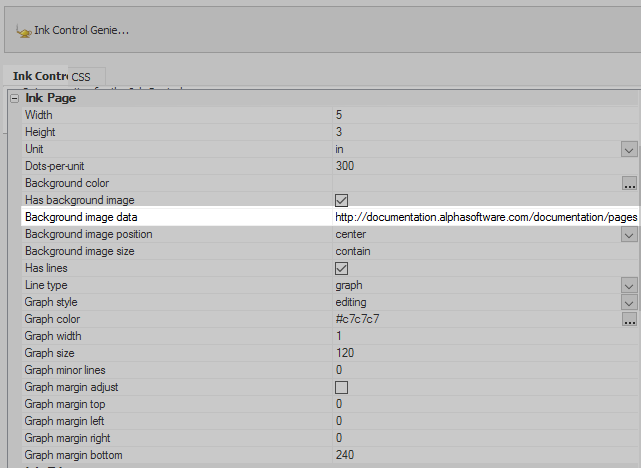
Inserting a URL into the Background image data property
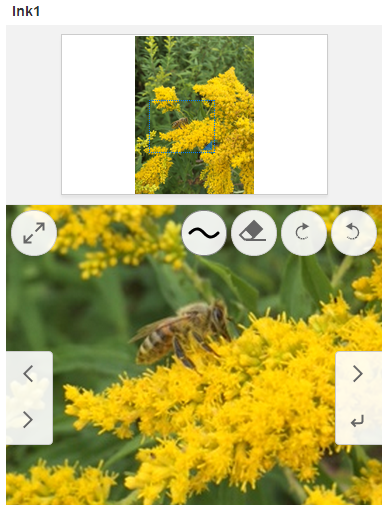
The background image in the Ink control